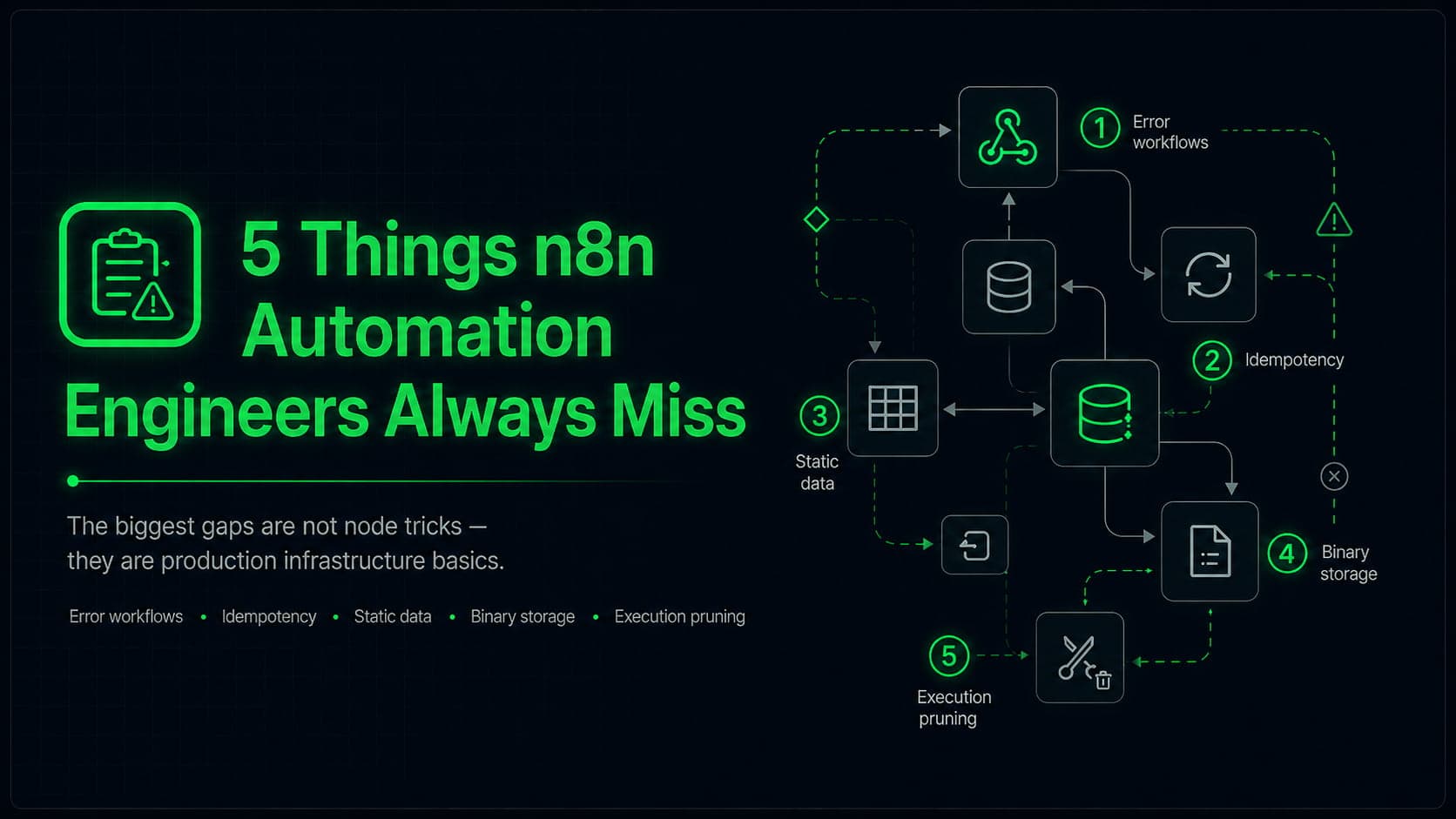
After auditing dozens of n8n deployments, the same gaps show up again and again. None of them are about clever node combinations — they are about treating n8n as production infrastructure instead of a no-code toy. Here are the five most consequential ones, and how to close them.
1. The Error Trigger workflow nobody built
The Error Trigger node is the single most underused capability in n8n. Workflows fail silently every day — webhooks dropped, third-party APIs returned 503s, scheduled runs skipped — and nobody knows until a customer complains.
Build one dedicated error workflow per project and attach it via Workflow Settings → Error Workflow on every production flow. At a minimum it should:
- Route the error payload to Slack, PagerDuty, or email with the workflow name, failing node, and message
- Log the failure to a tracking surface (Linear, Jira, a Postgres table) so you can spot patterns over weeks
- Tag by environment, so staging noise does not drown out production signal
If you cannot say "I will know within 60 seconds when any workflow fails," you do not have monitoring. You have hope.
2. Idempotency on webhook triggers
Webhooks fire twice. They always fire twice eventually — retries on timeouts, network blips, sender bugs, your own infra restarting mid-request. Engineers who do not design for this end up with duplicate Stripe charges, duplicate Notion pages, duplicate everything. Then they spend a weekend writing a reconciliation script.
Make idempotency the first three nodes of every webhook workflow:
- Extract a stable idempotency key (event ID, request ID, or a hash of payload + timestamp)
- Look it up in a small store — Redis, Postgres, or even workflow static data for low volume
- Short-circuit if seen; record and continue if not
It adds 200ms and saves you a thousand support tickets.
3. $getWorkflowStaticData() for state
Most engineers reach for an external Postgres or Airtable the moment they need to remember anything between executions — a last-sync cursor, a deduplication set, a run counter. Many have never opened the docs on $getWorkflowStaticData('node').
Static data is built-in, persistent, scoped per workflow, and free. Reach for it for:
- Delta sync cursors (last successful timestamp or ID)
- Lightweight deduplication sets
- Run counters and last-known-state tracking
It is not a database — do not use it for high-volume writes or anything you want to query externally — but for the 80% of state-keeping needs in a typical automation, it is the right answer and your future self will thank you for not standing up an entire RDS instance to remember a single timestamp.
4. Binary data mode (filesystem or S3)
Default n8n keeps binary data in memory and the database. The first time someone routes a 50MB PDF through your instance, you discover this — usually right after Postgres starts swapping and the whole thing tips over at 2am.
Set N8N_DEFAULT_BINARY_DATA_MODE=filesystem (or s3 for self-hosted at scale) before processing files at any meaningful volume. Pair it with N8N_BINARY_DATA_TTL=24 so cleanup happens automatically. It is a five-minute config change that prevents the single most common production outage in n8n.
5. Execution data pruning
Every execution writes to execution_entity and execution_data. Without pruning, a workflow doing 1,000 runs/day with moderate payloads bloats Postgres by tens of gigabytes a month — and the UI slows to a crawl as the table grows. Then someone runs VACUUM FULL on a Friday afternoon and learns what a long lock looks like.
Set these from day one:
- EXECUTIONS_DATA_PRUNE=true
- EXECUTIONS_DATA_MAX_AGE=336 (14 days)
- EXECUTIONS_DATA_PRUNE_TIMEOUT=3600
For high-volume instances, also configure EXECUTIONS_DATA_SAVE_ON_SUCCESS=none so you stop storing payloads from successful runs you will never look at. Keep failures forever — they are the only ones that matter.
The pattern
Notice what these five have in common. None of them are about clever node combinations or visual logic. They are about treating n8n as production infrastructure: monitor failures, design for retries, manage state intentionally, and tune the runtime for your actual load.
The engineers who get past the proof-of-concept ceiling are the ones who configure error workflows on day one, not day ninety. If you have shipped n8n into production without all five of these in place, you do not have a workflow problem. You have a runway problem — and it is shorter than you think.
Run a free analysis
Paste your exported n8n workflow or Make scenario JSON and get instant findings.
Open analyzer