Overview
Naming measures whether the next person to open a workflow — including its original author, six months later — can understand what it does without clicking into every node. It carries the lightest weight of any category and every finding it produces is low severity. This isn't a production risk category: no workflow has ever gone down because a node was still called "HTTP Request." It's a maintainability signal.
How this affects your score
Naming is weighted 0.025, tied with Complexity for the smallest weight in the total score. Every finding here is low severity (−3 points), and there's no escalation path the way there is in other categories — a duplicate name next to a financial write doesn't become medium severity, because this category tracks comprehension cost, not consequence.
Worked example: a workflow with three low-severity naming findings (two generic names, one duplicate) scores 100 − 3 − 3 − 3 = 91 on Naming, contributing 91 × 0.025 = 2.275 points toward the total — a small, bounded effect on the overall score by design.
Findings
Default generic node names
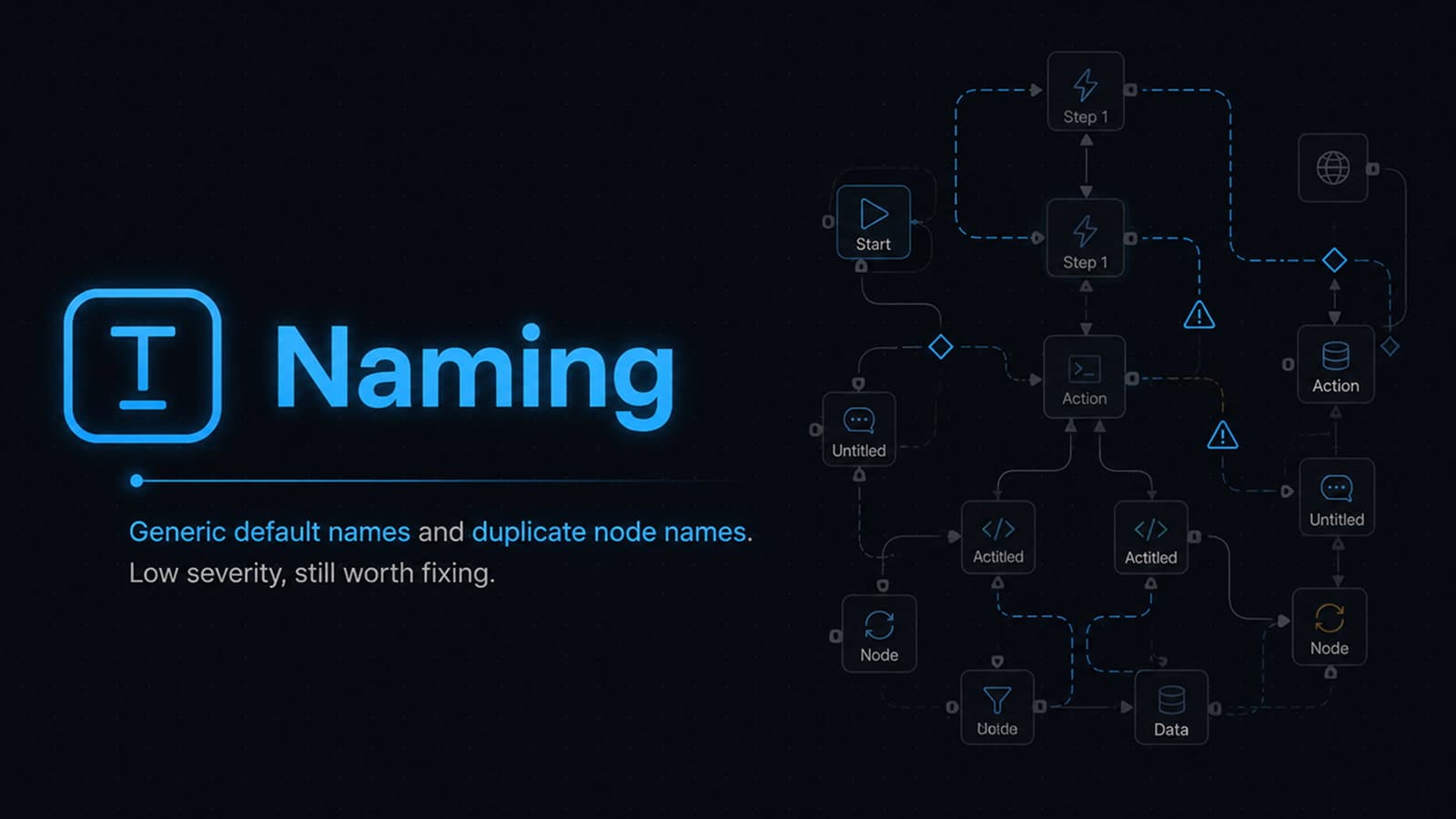
Severity: low. Nodes left with the name n8n or Make assigns automatically — "HTTP Request," "Set," "IF," "Code" — describe the node type, not what it's doing in this particular workflow.
Example: a workflow has a dozen nodes, all still called "HTTP Request" — one calls Stripe, one calls a CRM, one is a leftover test call to a mock endpoint, and there's no way to tell which is which without opening each one.
Fix: rename nodes to describe what they do in this workflow — "Charge card via Stripe" instead of "HTTP Request."
Duplicate node names
Severity: low. Two or more nodes sharing the same name, usually from copy-pasting a node and never renaming the copy. Harmless to execution, but it makes error messages, logs, and conversations about the workflow ambiguous.
Example: three nodes are all named "HTTP Request" after being copy-pasted from one another; an error log reading "HTTP Request node failed" doesn't tell you which of the three actually failed.
Fix: rename duplicates as soon as a node is copy-pasted — it takes seconds in the moment and removes the ambiguity later.
Recommended fixes
- Rename nodes to describe their function in this specific workflow, not their node type.
- Rename duplicates immediately after copy-pasting a node.
- Treat this as a five-minute pass whenever you're already in a workflow for another reason — it doesn't need a dedicated cleanup project.
Related categories
- Complexity — the other lightest-weighted category, also about long-term maintainability rather than production risk
- Reliability — where to focus first if you're prioritizing by production consequence rather than comprehension cost
Run a free analysis
Paste your exported n8n workflow or Make scenario JSON and get instant findings.
Open analyzer